
Quality score: the CSAT survey after a conversation
CSAT is a short question to the customer after a conversation closes: was everything fine. One button instead of a form, which is why people actually answer. Here is when the survey goes out, how it looks in different messengers, what counts as an answer, and how to read the metrics so they change the way the team works.
What you need to know
- The survey is sent when the conversation is closed — that is the only moment it goes out. While the conversation is open, nothing asks the customer anything.
- The answer is binary: liked it or not. That is deliberate — people tap a yes/no button, but almost nobody fills in a 1-to-10 scale in a messenger.
- A survey expires. An answer arriving much later is not counted — otherwise yesterday's rating would distort today's report.
How to turn it on
- Open Settings → CRM → Chat and find the quality-survey card.
- Enable the survey and write the question. Short beats long: "Did we solve your issue?" is enough.
- Decide whether to ask in group chats. Usually not: in a group a random participant answers and the number stops meaning anything.
- Agree with the team to close conversations. Without closing, no survey goes out — the most common reason for "we enabled CSAT and there is no data".
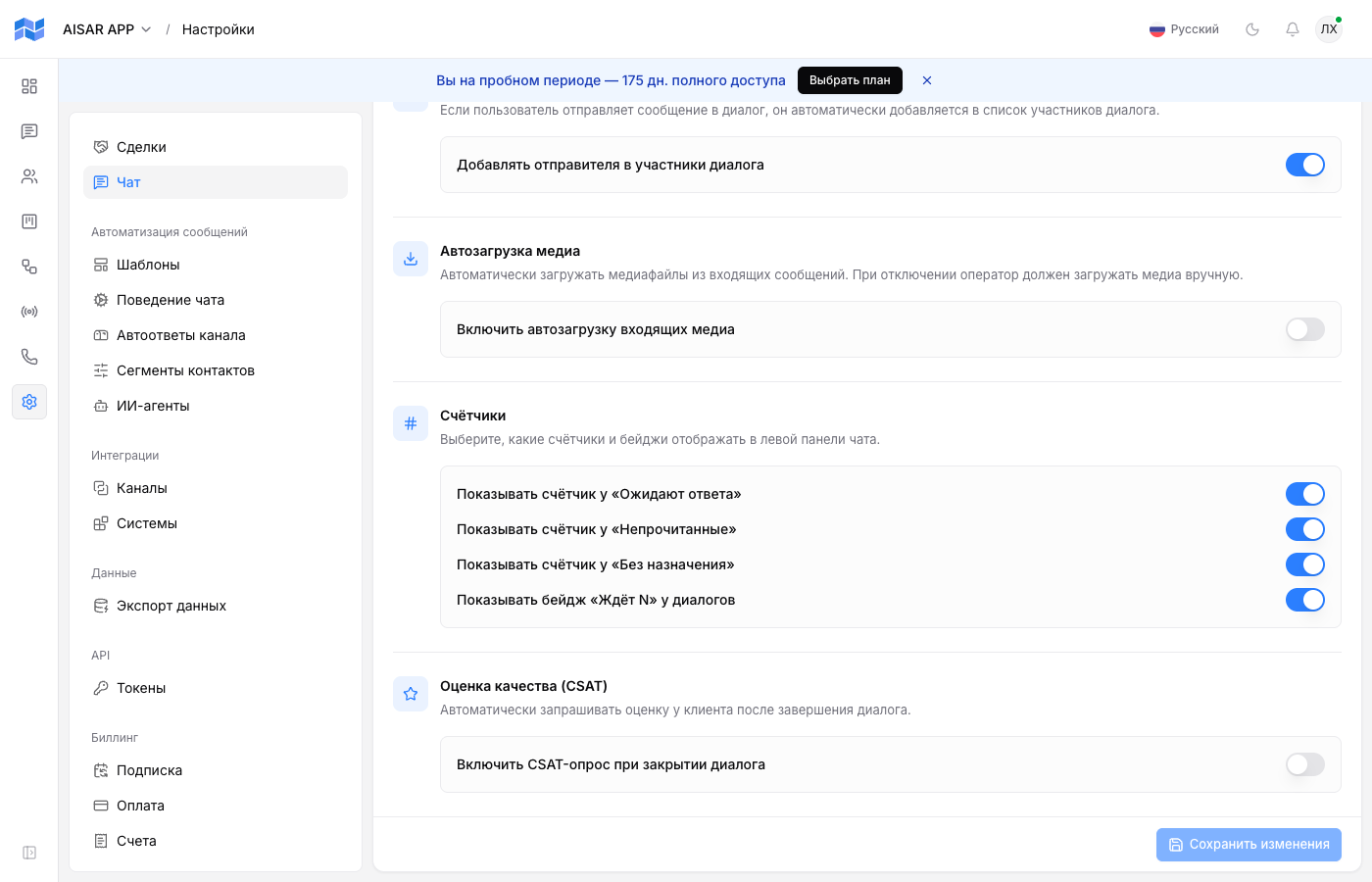
What the customer sees
| Channel | Survey form |
|---|---|
| WhatsApp Business | Buttons under the message — the customer taps rather than types. |
| Telegram bot | Buttons under the message. |
| Quick replies — ready-made options to tap. | |
| Other channels | A plain text question: the customer replies with a word or an emoji. |
An answer is a button tap, and in text channels the words yes, no, good, bad, 1, 0 and their Russian and Kazakh equivalents, plus 👍, 👌 and 👎. A free-form comment instead of a button is not scored, but it stays in the conversation — and is often worth more than the number.
The metrics you get
| Metric | How it is computed and what it tells you |
|---|---|
| Sent | How many surveys went out. Far fewer than the number of closed conversations means the team is not closing everything. |
| Responded | How many customers answered. |
| Response rate | Responded out of sent. A low rate usually means the question is too long or arrives at the wrong time. |
| Satisfaction | Positive answers out of respondents, not out of sent. Silence counts neither way. |
The Quality scores (CSAT) section adds a trend for the chosen period (today, 7 or 30 days), a breakdown by conversation participant, and a separate list of negatively rated conversations. That last one is the most useful: a ready-made review queue.
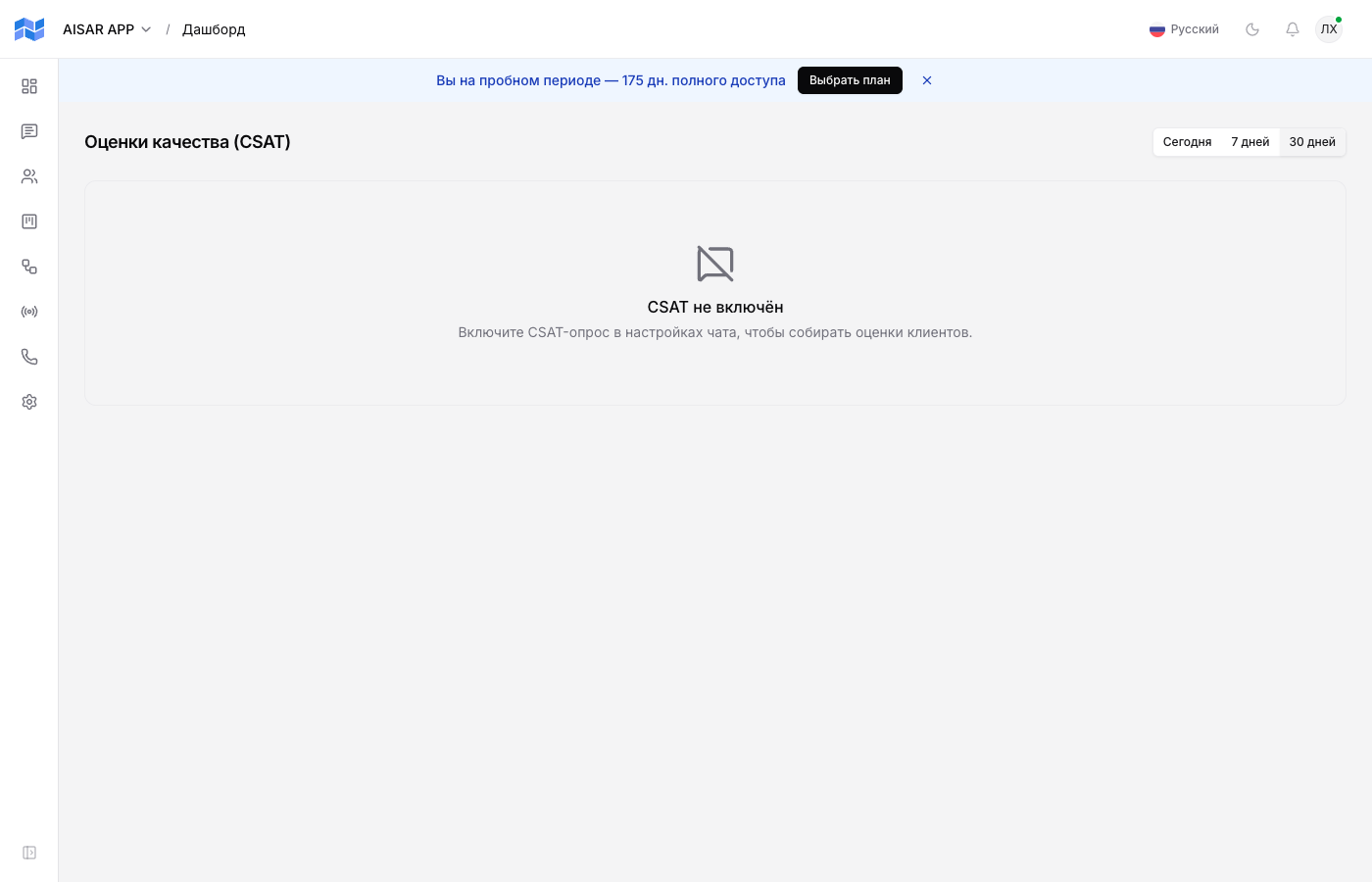
What to do with negative ratings
- Once a week open the list of negatively rated conversations and read the correspondence itself, not just the number.
- Split the causes: slow reply, issue unresolved, tone of voice, or something outside support entirely (price, deadlines, the product).
- Slow replies are fixed by scheduling and assignment, not by a talk with the operator. Unresolved issues are fixed with playbooks and quick replies.
- Write back to a customer who rated you badly. A recovered customer is worth more than the average score in a report.
Common issues
| Symptom | Cause and what to do |
|---|---|
| No surveys go out | Conversations are not being closed — sending is tied to closing. Also check the survey is enabled and the question is not empty. |
| The customer answered but there is no rating | The answer was not recognised: free-form text instead of a button is not scored. Or the survey had expired. |
| In WhatsApp Business the survey arrives as text, not buttons | Buttons exist in the official channel; a personal WhatsApp has none, so the survey is always text there. |
| Ratings arrive from group chats | Enable skipping group chats in the survey setting. |
See also
Closing conversations and operator work are in Chat basics. Who owns a conversation is in Conversation assignment. First-response speed is in Working hours and auto-replies.